|
Eudora v. 6.0.2 for Mac |
 |
|
- Open 'Eudora'
- Select 'Special' from the top menu; and 'Settings' from the drop-down list
|
|
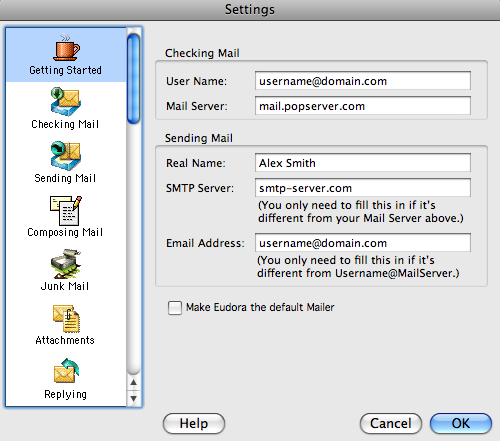
- Select 'Getting Started' Tab
- Fill up your mail account information
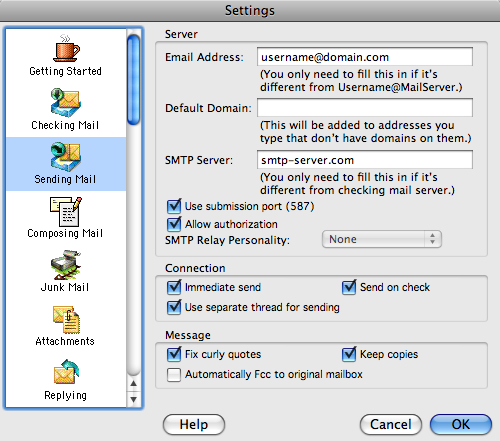
- Select 'Sending Mail' Tab
|
|
- Fill up SMTP-related fields
- If you'd like to use standard SMTP port 25, clear 'Use Submission port (587)' checkbox. However we do recommend you not to use standard ports for our SMTP service.
|
|
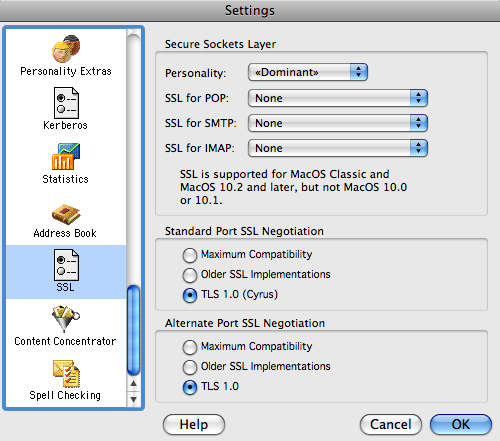
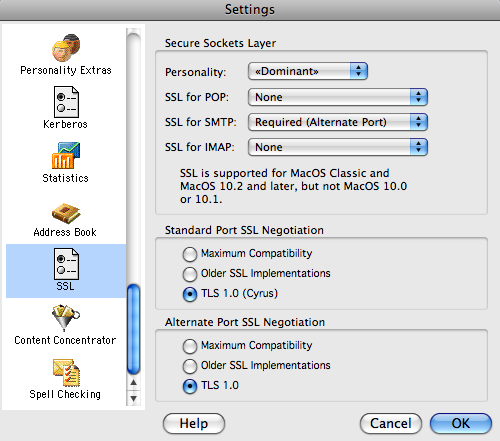
- If you want to use secure & encrypted transmission, select 'SSL' Tab
And setup fields as shown:
- Click OK
|
|
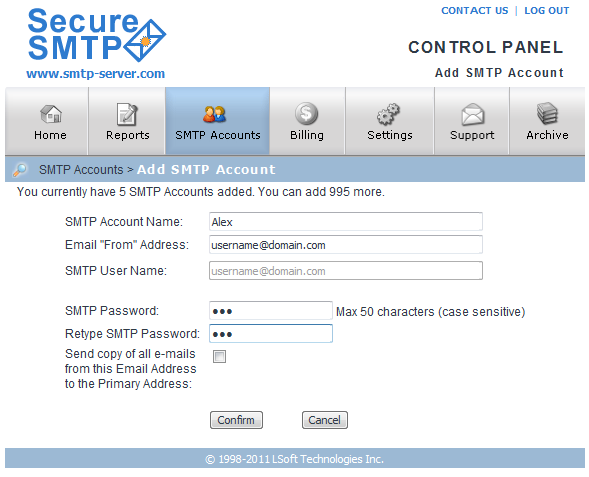
- In your profile on www.smtp-server.com web site you should configure the same field as in step 2
|
|